


My Role
UX Researcher
UX/UI Designer
Tools


Duration
On going
Worked Alongside
Self-initiated
AI-assisted Development
Challenge
How might we help businesses create fair and realistic shift plans faster, while still allowing managers to stay in control of important decisions?
Concept Direction
A modular desktop application concept that helps businesses create schedules based on employee availability, contract hours, shift types and staffing needs.
Method Tool Box
What tools did I use for this project?
Research:
Desk Research
Requirement Mapping
User Needs Assumptions
Creation:
Prompting
Iteration
Testing
Unlike my usual UX process, this project did not start with an extensive research phase, detailed wireframes and a fully defined concept. I wanted to explore how AI changes the early product design process.
My first idea was to use AI to move from requirements to a functional prototype as quickly as possible. I wanted to build something testable early, interact with it, find mistakes and optimize it.
Requirement Mapping
I translated operational shift-planning needs into product requirements, including availability, contract hours, staffing rules, absences, preferences and fairness.
Planning Logic
Shift types, staffing needs, seasonal demand, event-based needs and fair distribution.
Employee Rules
Contract type, weekly hours, fixed working days, availability, vacation and restricted days.
Hour Balance
Target hours, planned hours, overtime, undertime and carry-over logic.
Conflict Detection
Understaffing, overstaffing, unavailable employees, overlapping shifts and unrealistic hour distribution.
Use flow
AI Prompting
With the help of LLMs I converted these requirements into a structured prompt to guide the first AI-assisted prototype. And put added that prompt into Replit AI


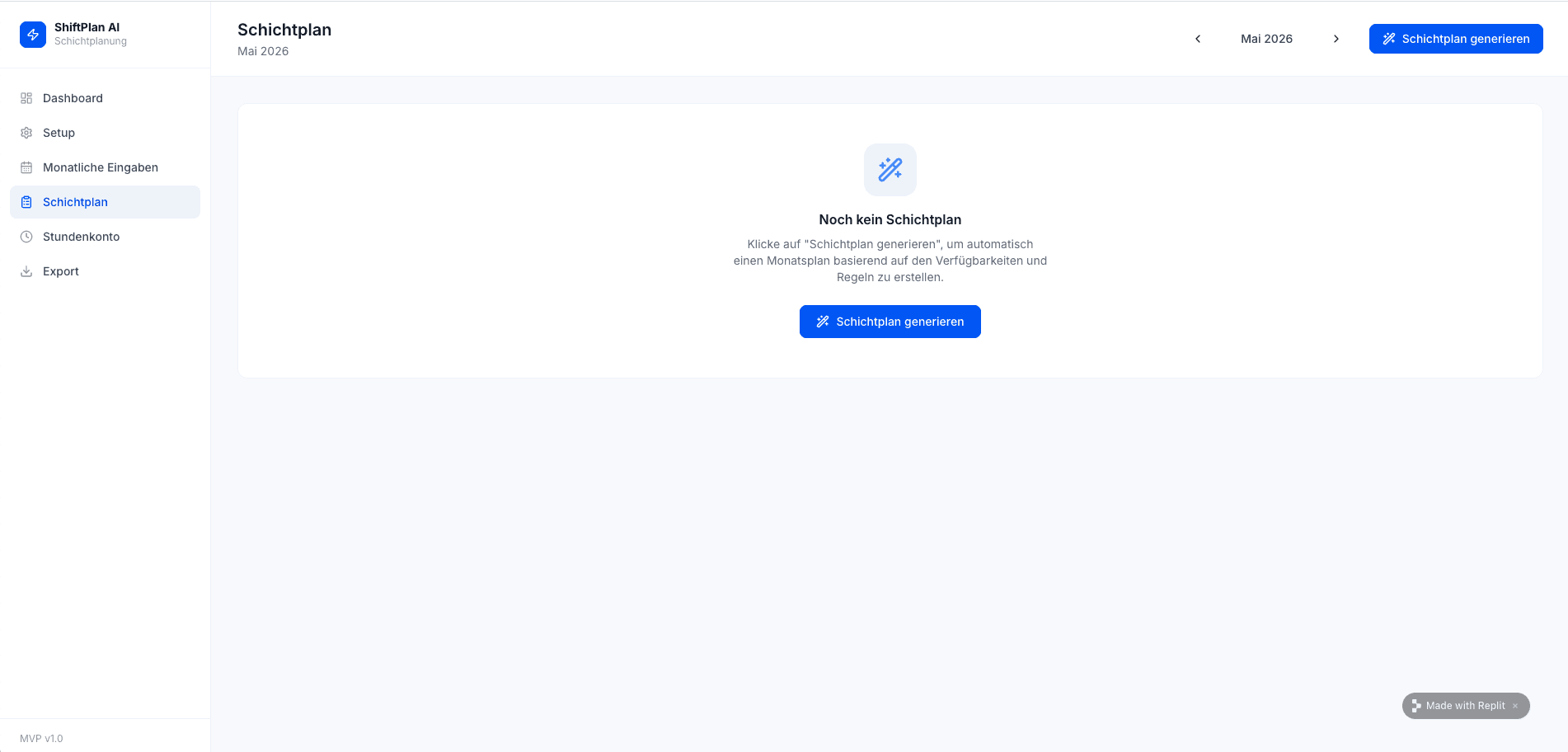
The first AI-generated prototype created the basic structure of the application. It included a dashboard, setup area, monthly input screen, shift plan generation, conflict warnings, hours account and export section.
This gave me a working base to click through, test assumptions and understand which parts of the product were clear and which parts were unreliable.
First MVP
The first solution included dashboard, setup, monthly inputs, shift plan generation, hours account and export, creating a base for further iteration.


What the First Prototype Revealed
The first prototype looked promising, but clicking through it revealed several workflow and logic issues.

I had included seasonal demand, events and special requirements in my prompt, but the generated prototype did not provide a clear way to configure them in the setup or monthly input flow.

I also found smaller but critical interaction issues. For example, while editing employee data, I accidentally deleted an employee without realizing it. There was no clear confirmation, undo option or recovery flow.
After several iterations, I still kept finding smaller mistakes in the prototype. Even when one issue was fixed, another one often appeared somewhere else in the flow.
This made me realize that the product had become too complex to refine only through repeated prompting. I am now taking a step back, breaking the workflow into smaller parts, refining selected screens myself in Figma, and then using AI again more intentionally for focused implementation.
This case study is still evolving. Check back anytime to follow the progress.
Last Updated: 05th of July 2026